Scan QR code
The camera runs inside the SuperSwipe frame. Your store's page loads no camera code.
Shoppers get a unique code in your store and scan or type it to enter the draw. Every code works once, and an entry without one can't win.
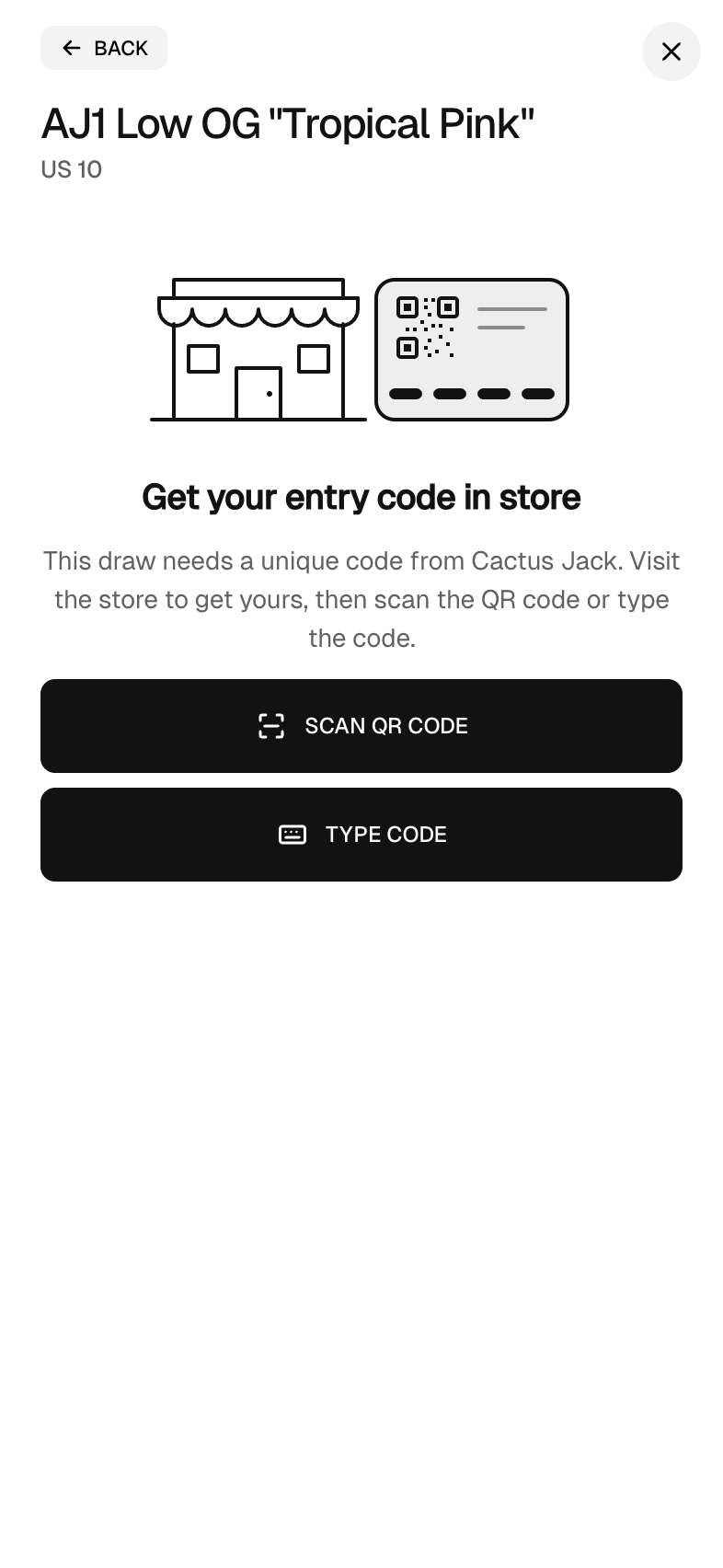
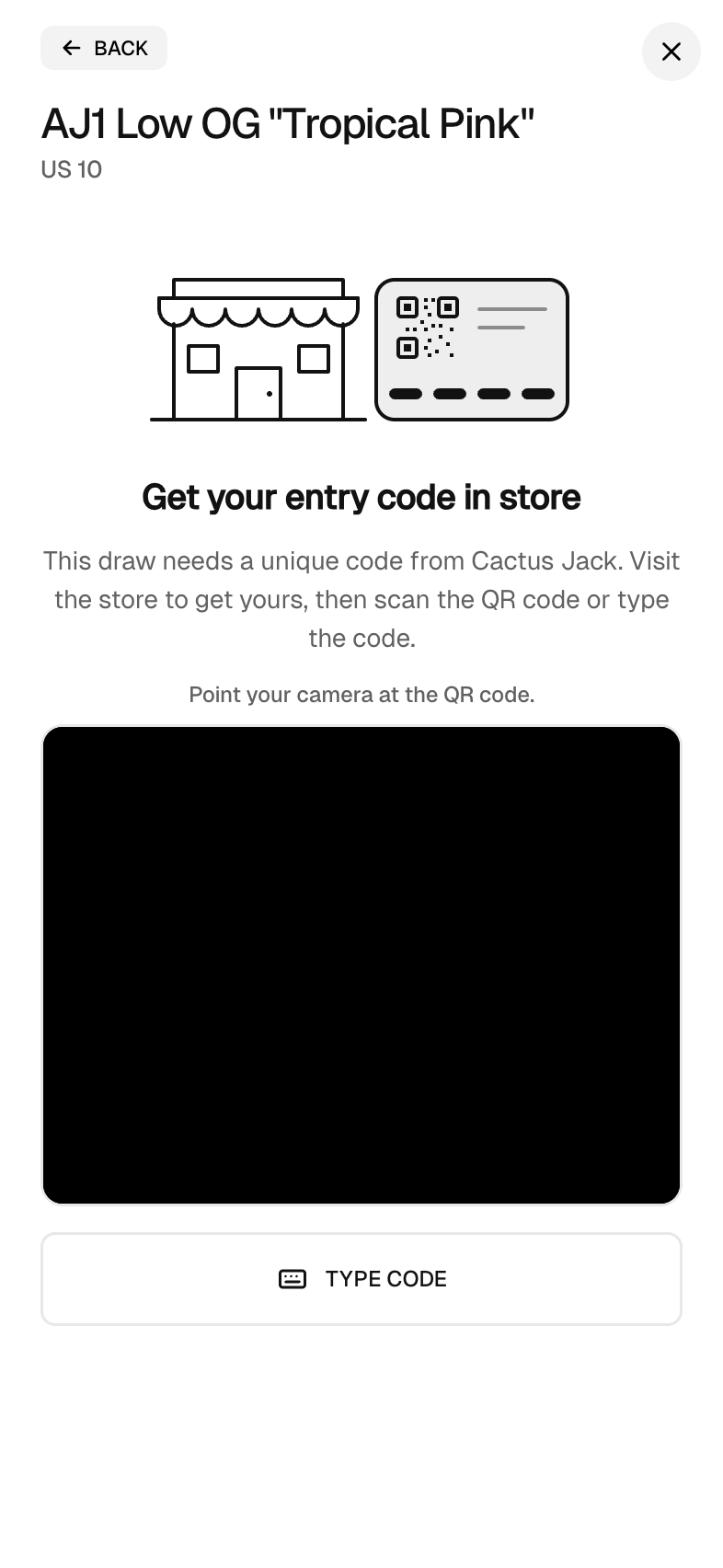
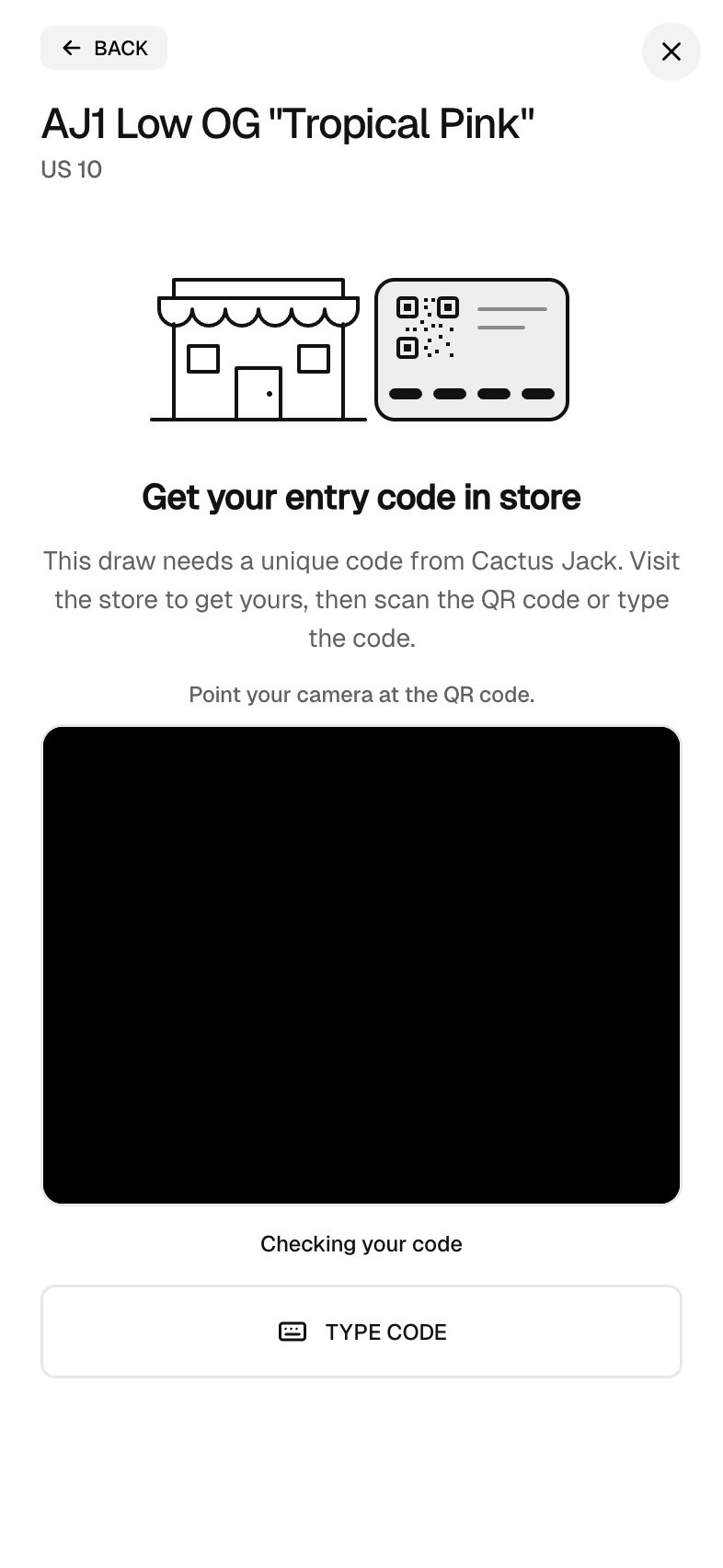
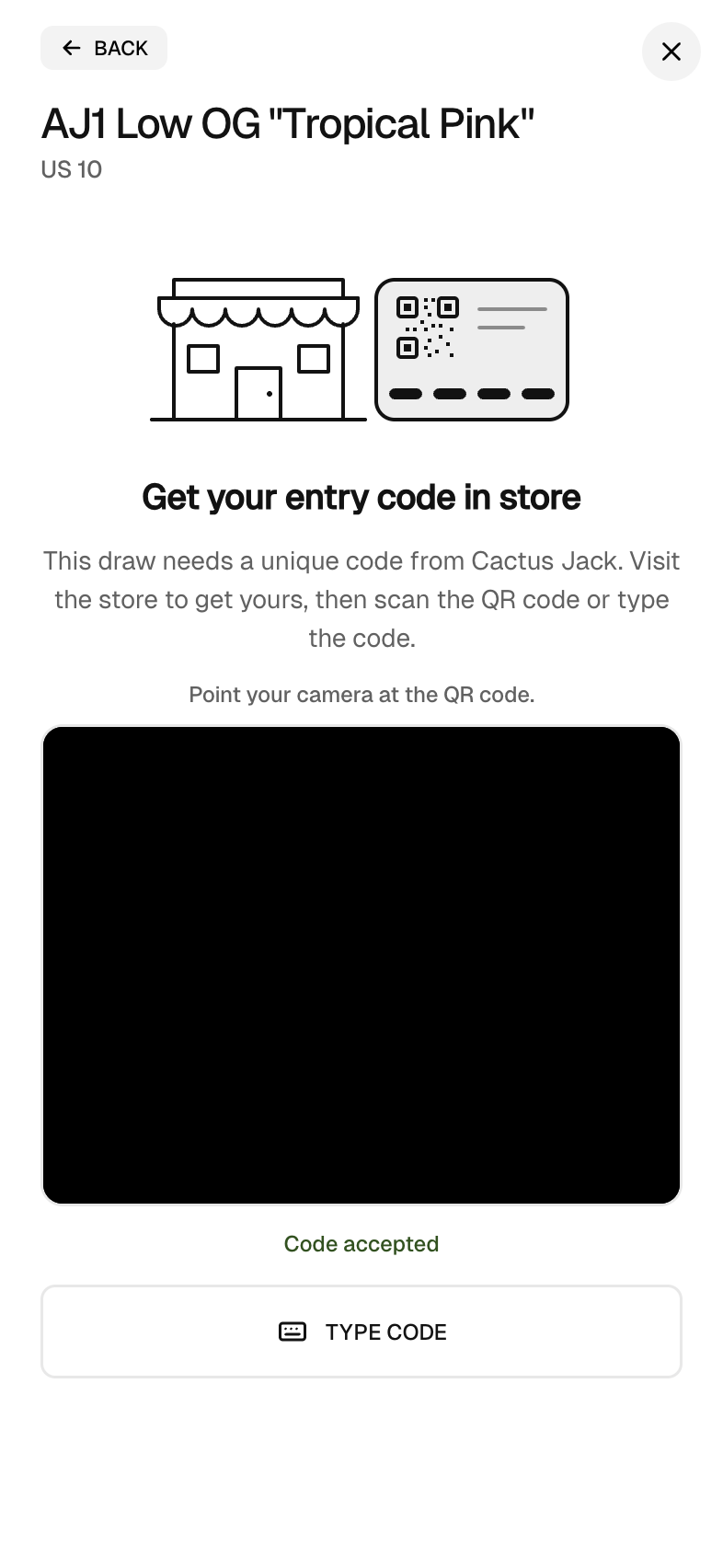
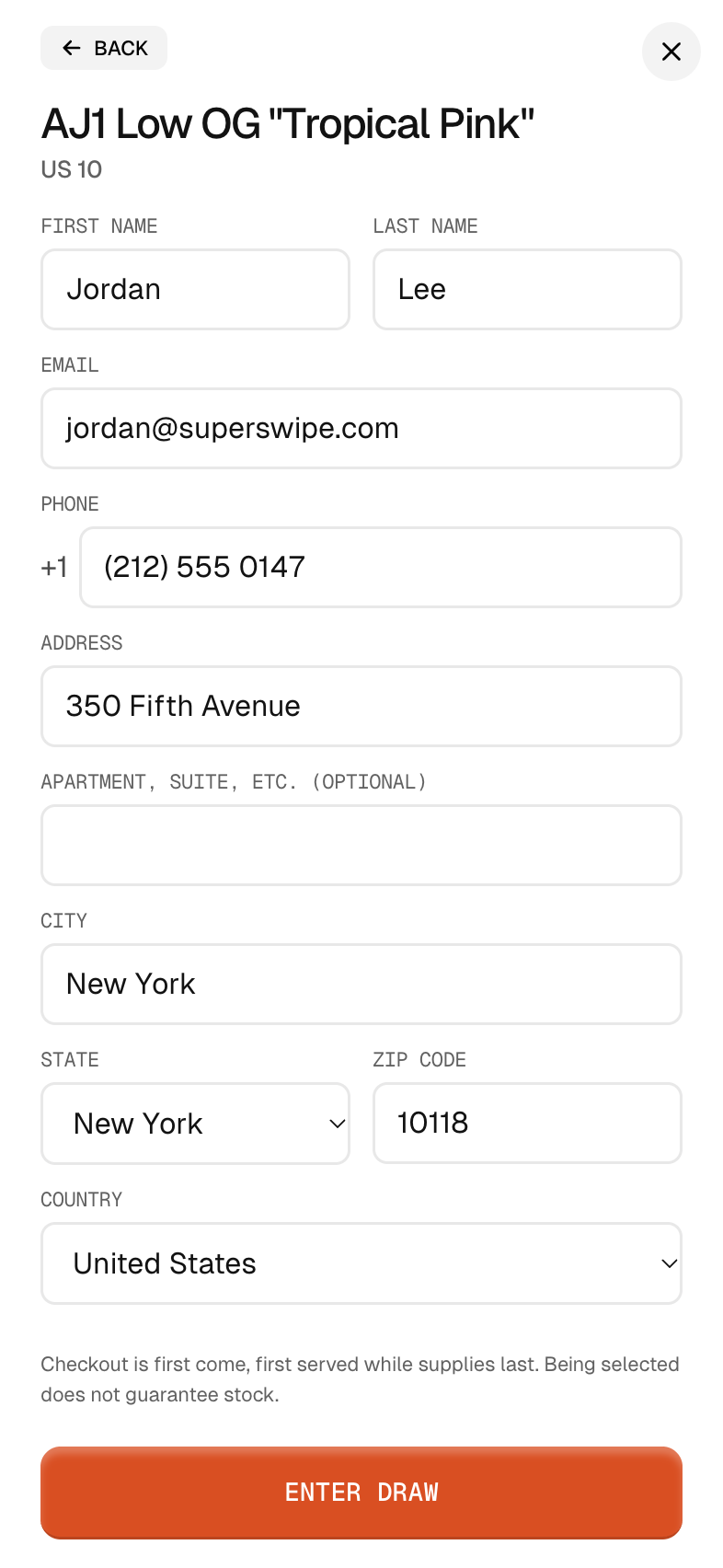

One switch on the draw, a batch of codes, and shoppers do the rest on their phones.
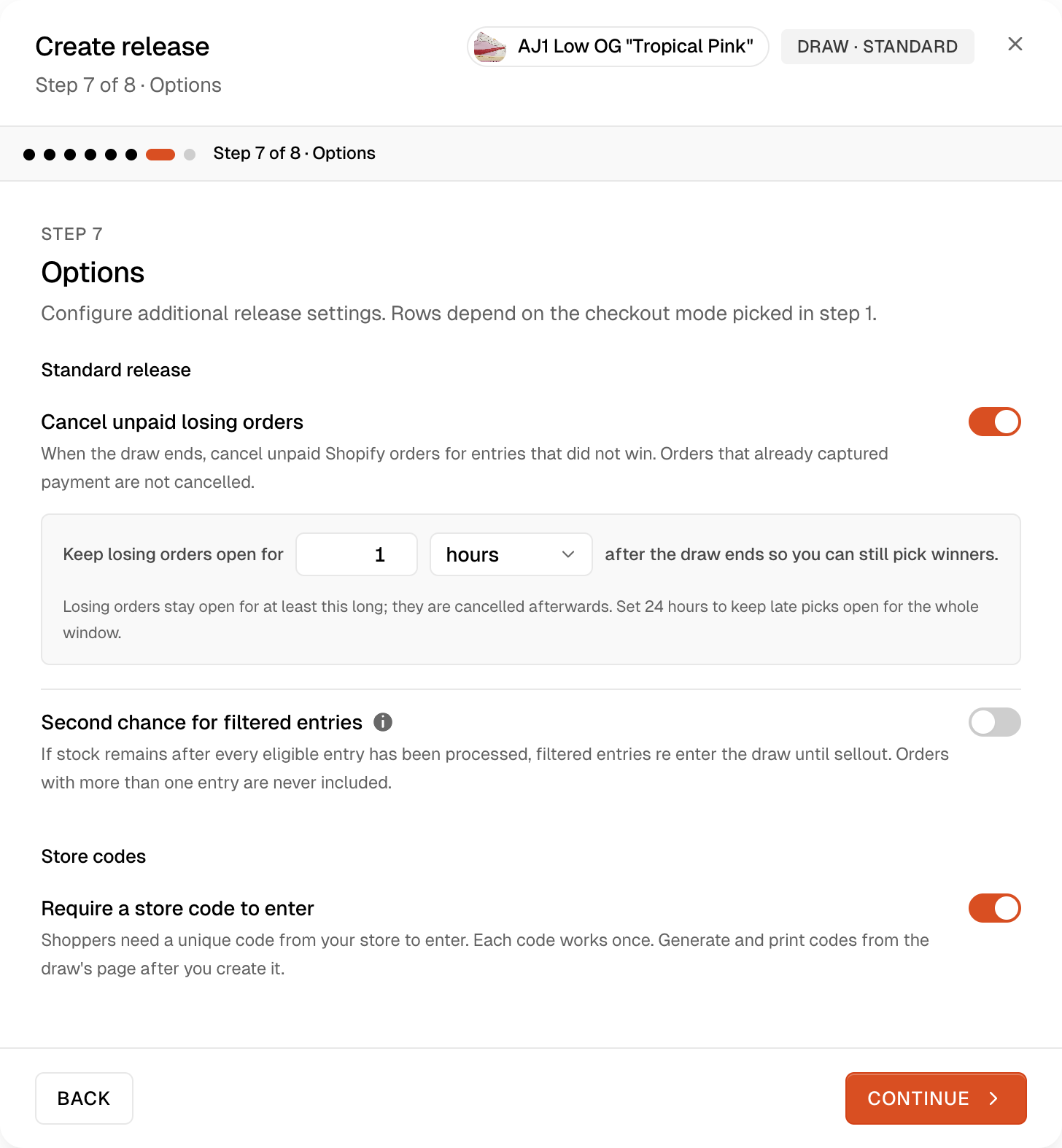
Turn on Require a store code to enter in the draw's options. It works on standard and pay after draws, and you can change it until the draw opens.
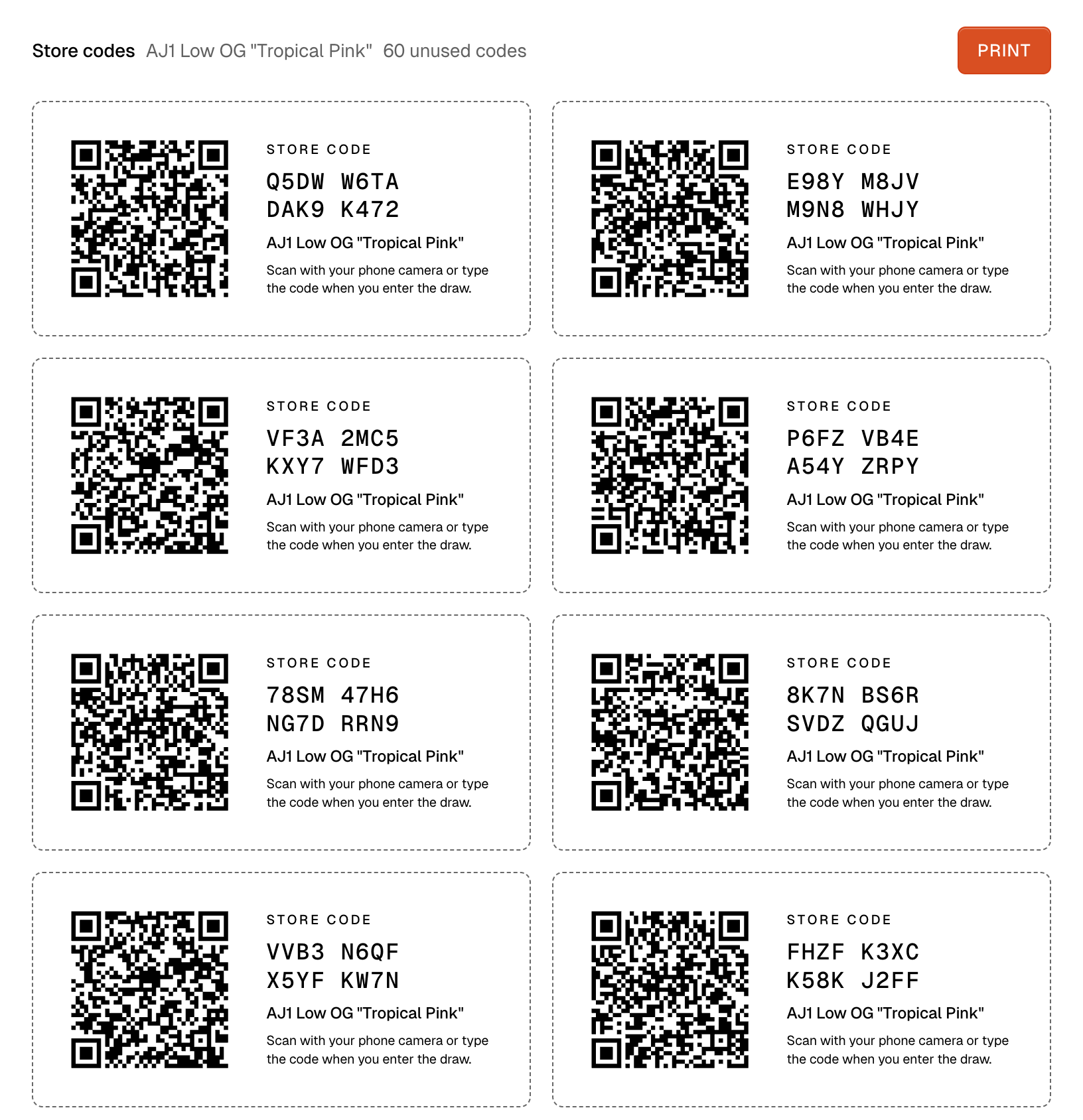
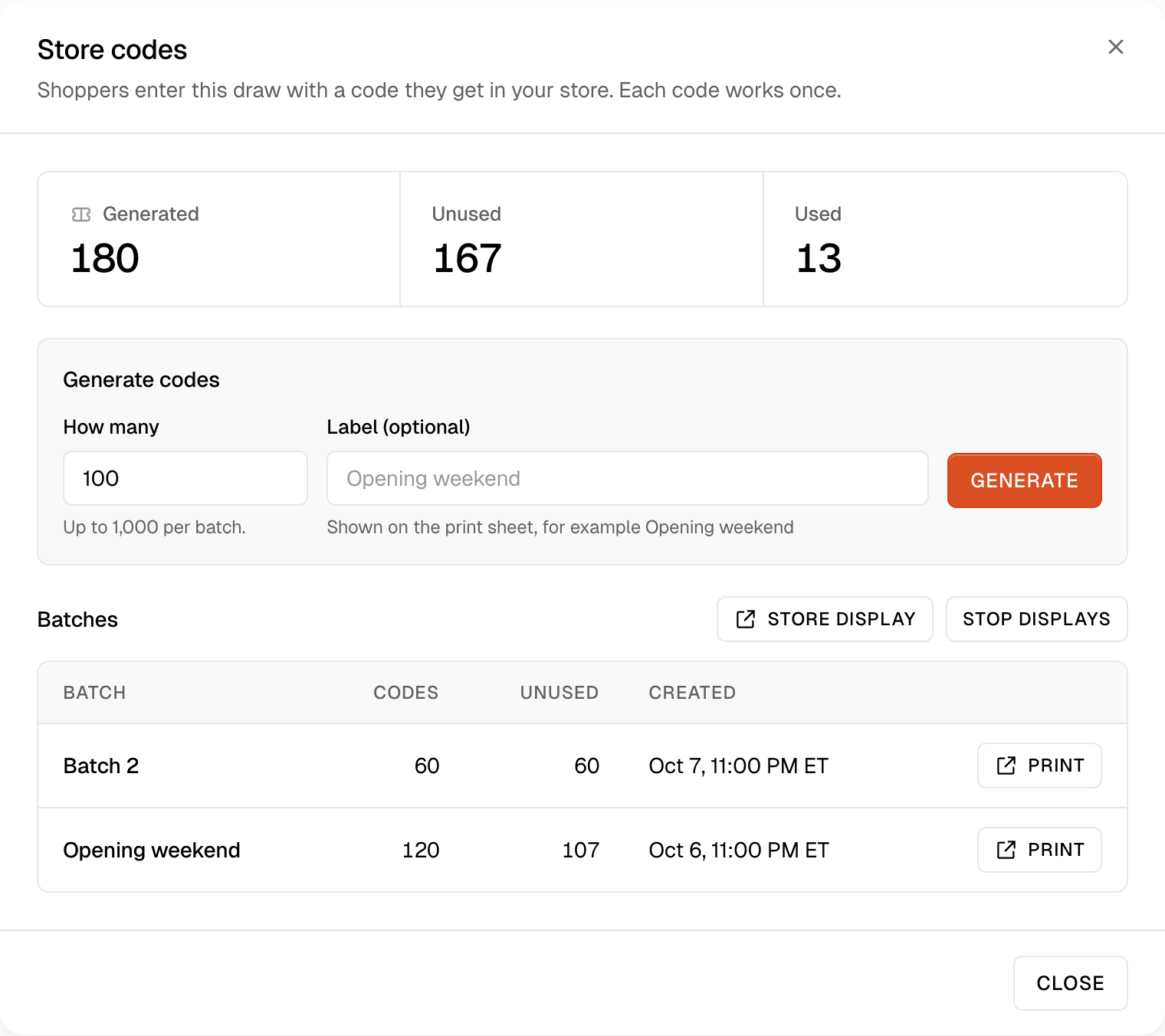
Open Store codes on the draw's page. A batch holds up to 1,000 codes and can carry a label, like a store or a counter. A draw holds up to 100,000.
Print a batch as cards you cut out, or open a store display on a counter screen or tablet that shows one code at a time.
After Continue, the entry asks for the code. A valid code moves a standard draw on to checkout and a pay after draw on to the entry form.
When winners are picked, entries without a used code are filtered out. Second chance never brings them back.
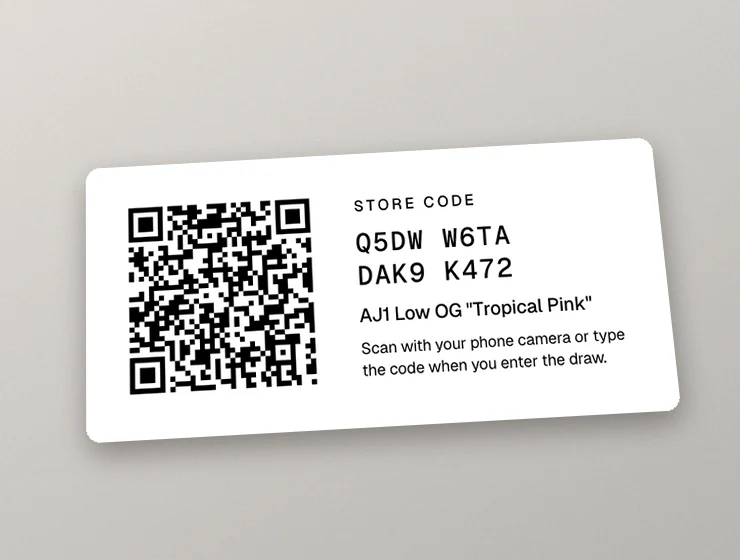
Every card carries one code and its QR code, the product name and a line that tells the shopper what to do.
Open a store display on any screen or tablet. It shows your store name, the product and one large QR code with its code under it. Once a shopper scans the code, the display refreshes with a new one on its own instantly.
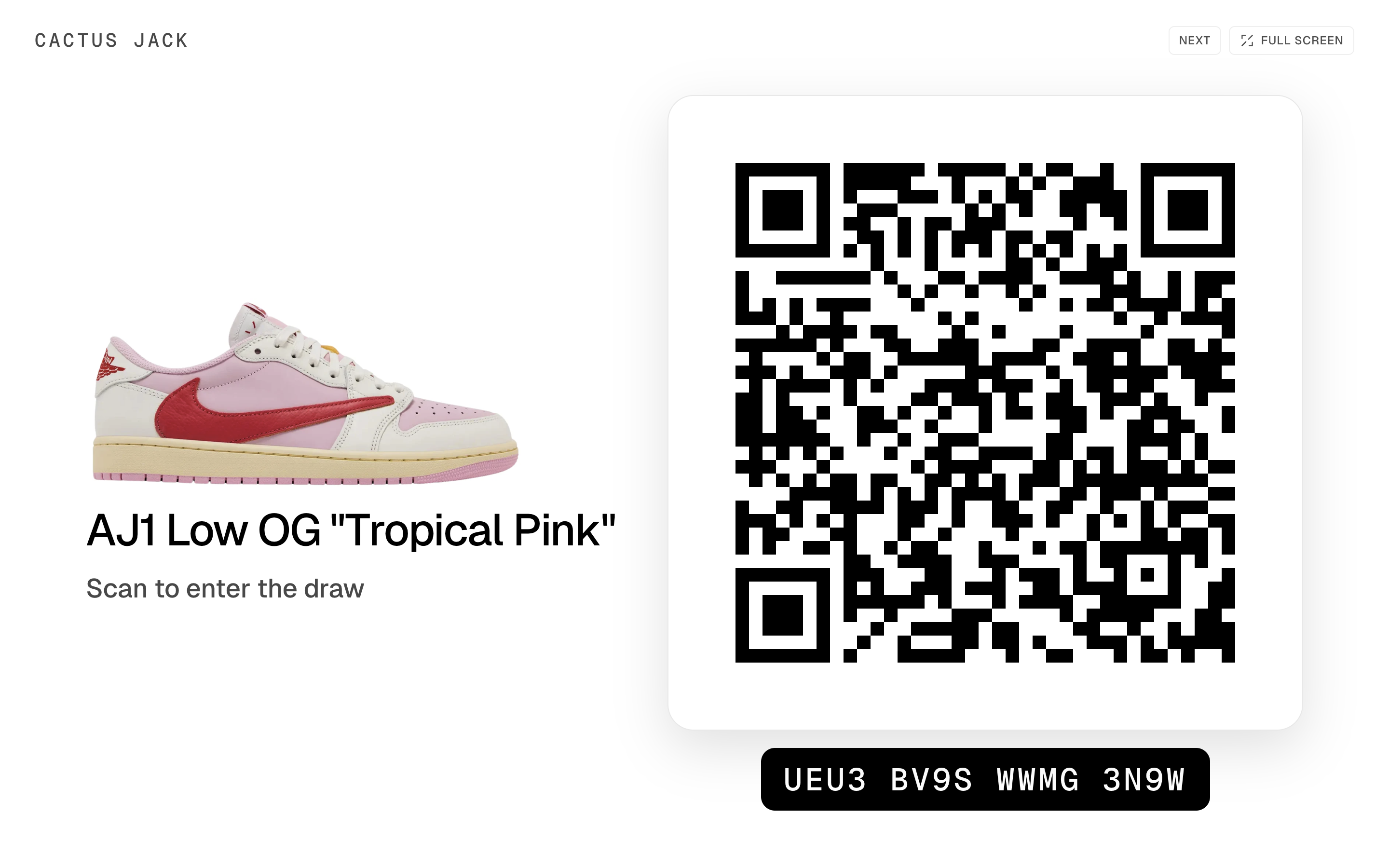
The shopper taps Enter Draw, agrees to the terms, picks a size and presses Continue. The store code step asks for the code, and a valid code continues on its own: to checkout on a standard draw, or to the entry form on a pay after draw.
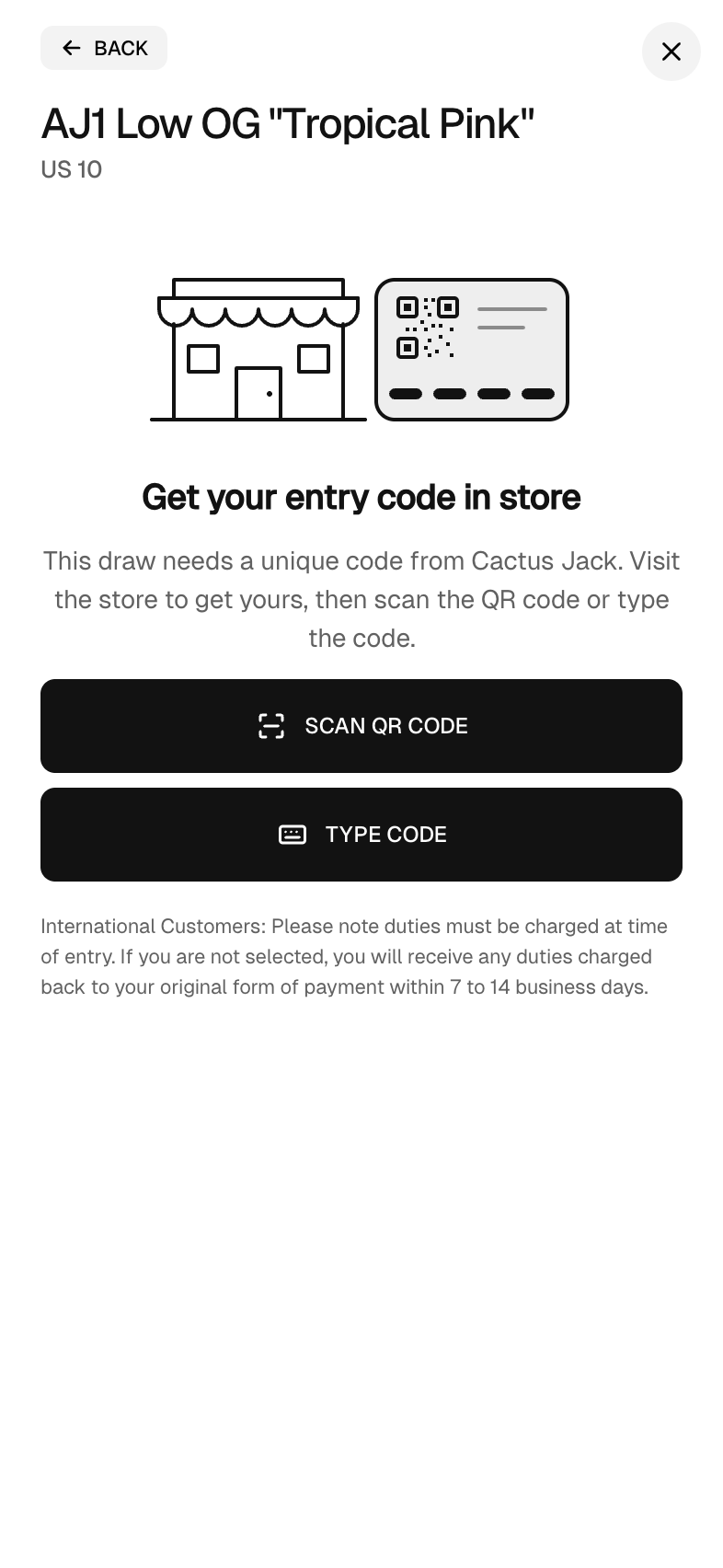
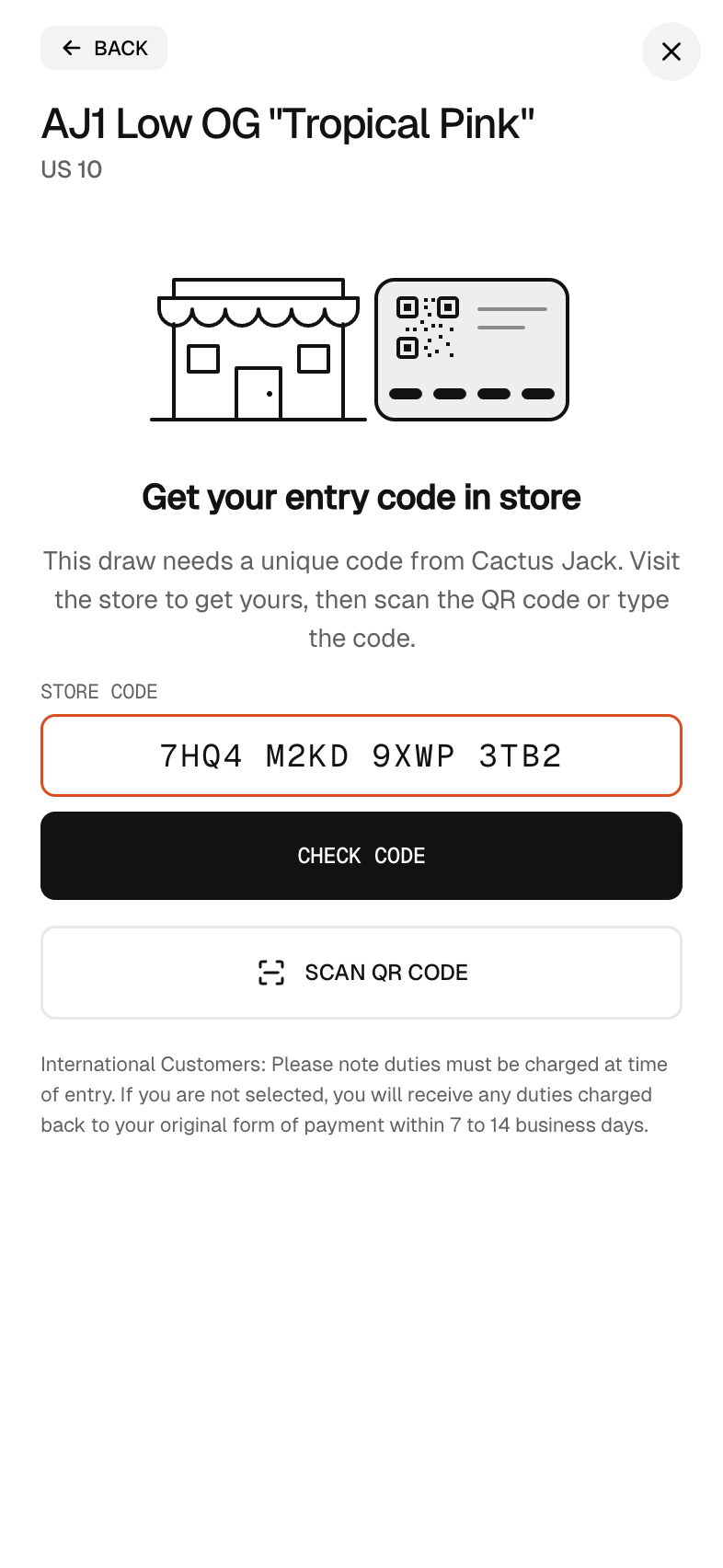
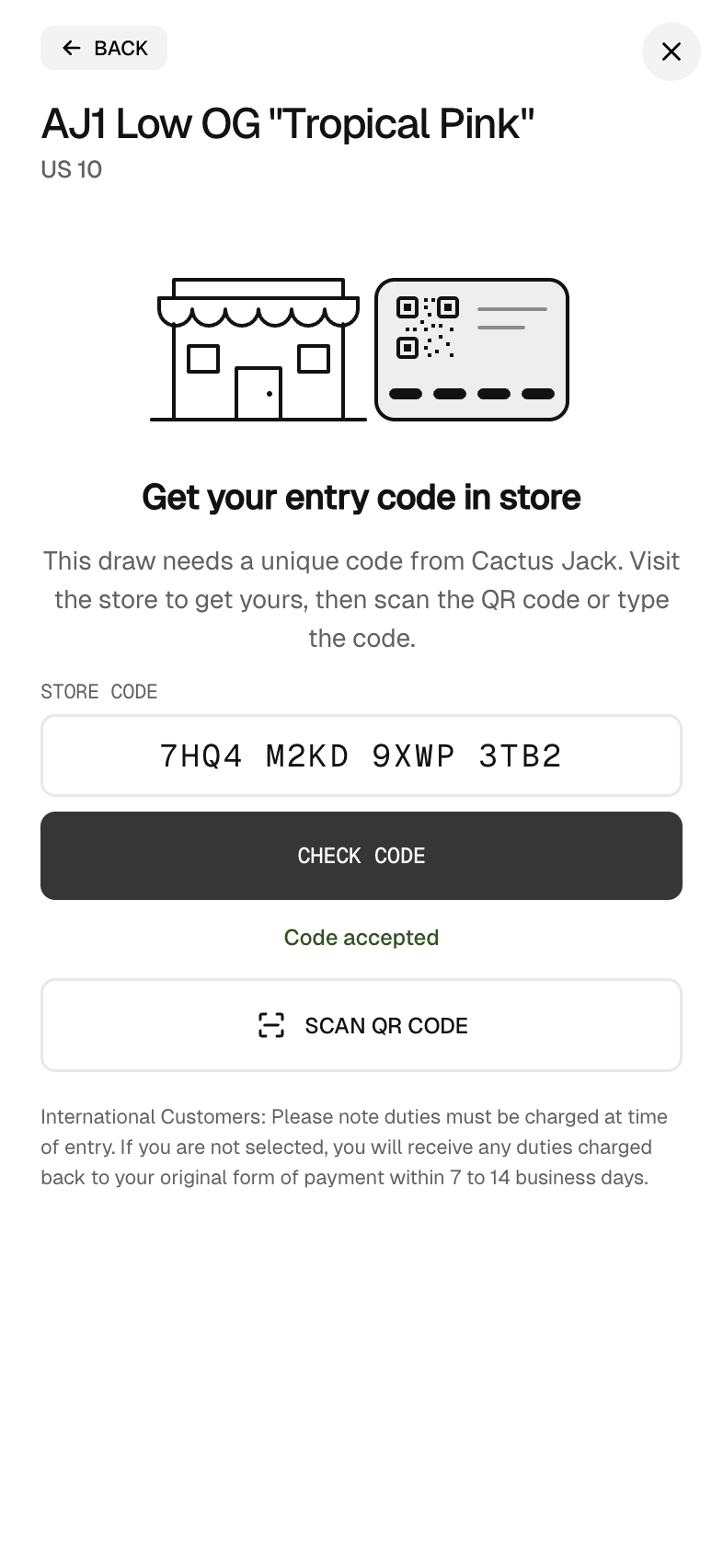
The camera runs inside the SuperSwipe frame. Your store's page loads no camera code.
16 characters with no look alike characters, so no 0, O, 1, I or L. The last one is a check character, and a typo is caught on the phone before anything is sent.
Scanning a printed or displayed QR code with the camera app opens the product page with the code already filled in.
The first entry that uses a code claims it. When winners are picked, an entry without a used code is set aside.
The merchant API and the MCP server cover store codes end to end, so Claude, Codex, Cursor, VS Code or any other MCP agent can run them for you.
 Claude Code
 Codex
Codex Cursor
 VS CodeClaude Desktop
Store codes work on standard and pay after draws. Switch them on when you create the draw, generate a batch, then print it or put it on a display at the counter.